How to track conversions in Google Ads without fooling yourself
6 min read
All of Google's automated optimization depends on the conversion signal. If the signal is bad, the algorithm very efficiently learns the wrong behavior.
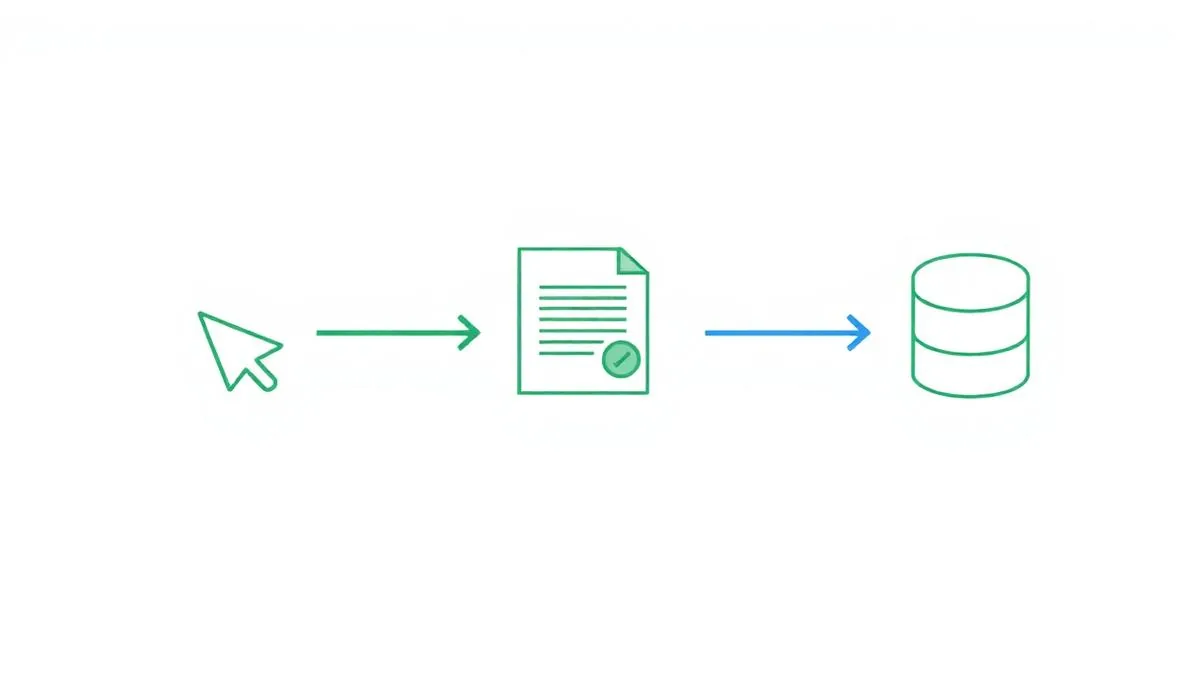
What should and shouldn't count as a conversion
A primary conversion is the event that represents business: an order, a qualified lead, a quote request, a call answered beyond a certain length. Everything else — page views, scrolling, menu clicks — is a secondary signal and should stay out of optimization.
- Mark only the business action as primary.
- Keep supporting events as secondary, for reporting only.
- Avoid counting the same lead twice (form + WhatsApp + call).
- Set a conversion value when the order value is known — that's what enables ROAS targets.
Offline conversions: closing the loop with your CRM
The ad click is rarely the moment of sale — in services with longer decision cycles, the submitted form is just the beginning. Importing offline conversions (closed sales, accepted proposals, actual contract value) back into Google Ads lets the bidding algorithm learn from business results, not just raw leads.
Two common approaches:
- Offline conversion import via spreadsheet upload or CRM integration, using the GCLID (unique click identifier) recorded when the lead came in.
- Enhanced conversions, which use hashed contact data (email, phone) to improve attribution — especially relevant after third-party cookie restrictions.
Validate before increasing budget
Testing tracking takes less than a day and avoids months of decisions based on inflated numbers.
- Submit a real form and confirm it's recorded in the interface.
- Check that the tag fires only once per conversion.
- Compare Google Ads numbers with your CRM or e-commerce platform.
- Document which events exist and who is responsible for maintaining them.
Resumo: A misconfigured conversion isn't a technical detail: it's the source of most good-looking reports that never turn into revenue.